Autonomous trading bot that detects new launches, filters out rugs, and executes trades in milliseconds. 48 AI-controllable tools. Works 24/7.
Download Free168 hours free · No credit card · Windows .exe
Multi-source launch detection, safety filters, and automated exits — all in one Windows app.
Pump.fun, Raydium, and Bitquery WebSocket monitoring. Be first in line on every new Solana launch.
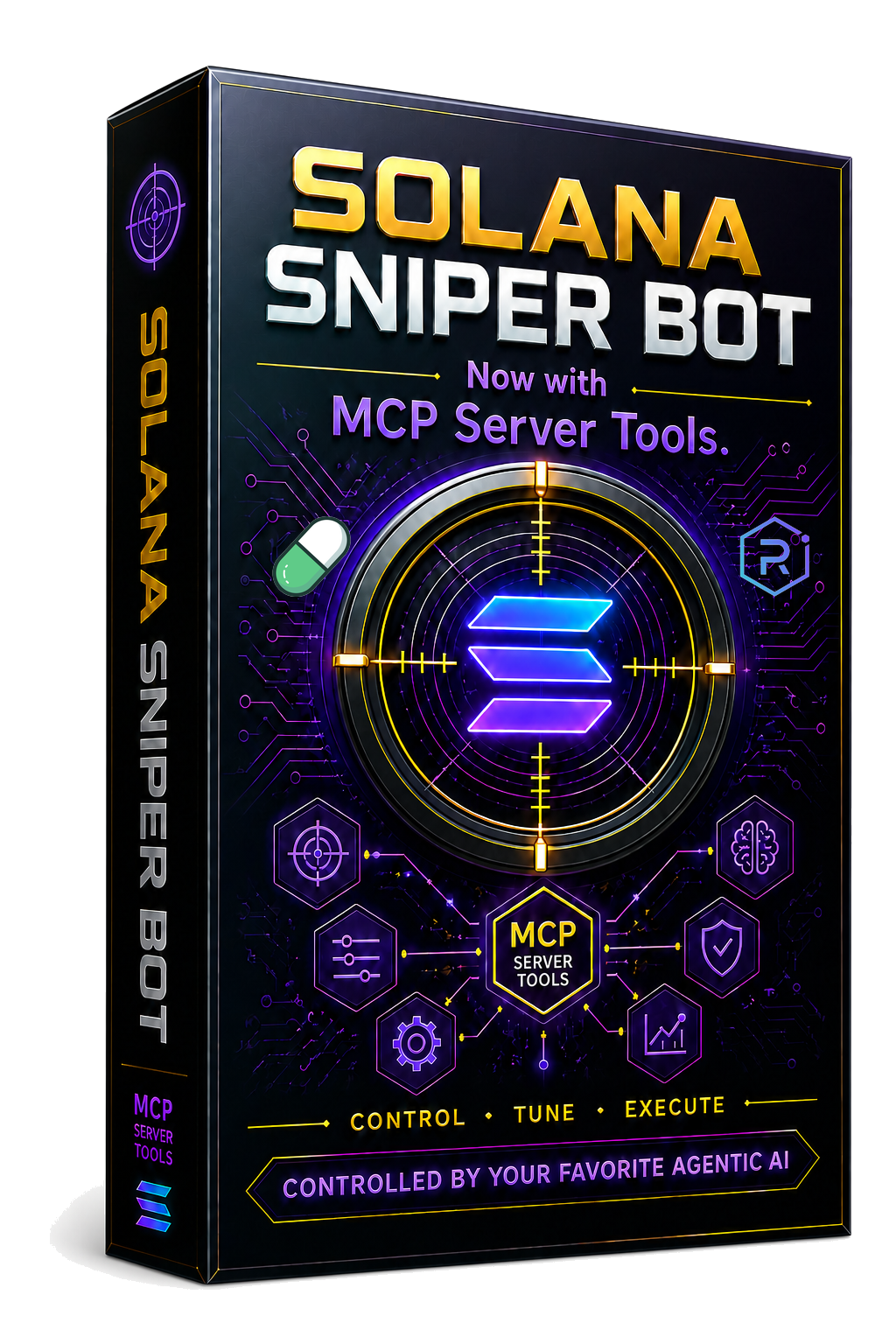
Full AI control via Model Context Protocol. Compatible with Claude, Cursor, and Devin. Trade by talking.
Up to 5 Helius API keys with automatic rotation and 429 backoff. Never miss a launch to rate limits.
Mint authority, freeze authority, holder distribution, liquidity, and buyer concentration checks.
Take-profit ladders, trailing stops, rug detection, volume death, and momentum reversal exits.
Separate trading and savings wallets with automatic sweeps. Persistent P&L tracking. MoonPay built in.
No installer. No coding. Just download, run, and trade.
Download the standalone .exe. Double-click to launch. The bot creates a fresh wallet for you.
Configure safety filters, trade size, and exit rules in the dark-mode GUI. Or let AI do it via MCP.
Multi-source detection monitors Pump.fun, Raydium, and Bitquery in real time. New tokens evaluated instantly.
Tokens that pass filters are bought automatically. Take-profit ladders and rug detection handle exits.
Try it free for 168 hours of bot running time. Then pay once. Own it forever.
Or download free and try everything first — no credit card needed.
The MCP server exposes 48 tools so Claude, Cursor, and Devin can control every aspect of your bot through natural language. Start, stop, configure, check positions, and manage wallets — all by talking to your AI.
Solana Sniper Bot is a standalone executable — no installer needed. Because this is a new app, Windows SmartScreen may show a warning the first time you run it. This is normal for all new software and does not mean the file is harmful.
Click "Download Free" above. Your browser downloads SolanaSniperBot.zip (about 51 MB). Extract it to get SolanaSniperBot.exe. If your browser warns about the file, click "Keep" or "Keep anyway".
Double-click SolanaSniperBot.exe. If SmartScreen shows "Windows protected your PC", click "More info" then "Run anyway". This appears because the app is new and hasn't been downloaded enough times for Windows to build reputation — it does NOT mean the file is malicious.
As more users download and run the app, this warning will stop appearing.
In rare cases, Windows Defender may quarantine the file as a false positive. To fix: Windows Security → Virus & threat protection → Protection history → click the blocked item → Actions → Allow on device. Then run the file again.
You can also add an exclusion: Windows Security → Virus & threat protection → Manage settings → Add or remove exclusions → Add an exclusion → File → select SolanaSniperBot.exe.
Once the app launches, you'll see the control panel. The bot generates a fresh wallet on first launch — back it up if you fund it with real SOL. You get 168 hours of free bot running time. When your trial expires, click "Purchase License" inside the app or on this page.
168 hours free. 48 AI tools. $99.99 lifetime.
Download Free